
My Health Portal Instructions
Your Health, At Your Fingertips
The Share Medical Center Patient Portal makes it easy to stay informed and connected to your care. Whether you need to check test results or schedule an urgent care visit, the information you need is just a few clicks away.
Through the portal, you can:
Check your lab and test results
View upcoming appointments
Review past appointments
Schedule same-day urgent care appointments online
Secure, convenient, and available 24/7, the Share Medical Center Patient Portal helps you manage your healthcare whenever it works best for you.
How to Sign Up for the Patient Portal
To create your Share Medical Center Patient Portal account, you must have a valid email address on file with our Registration Department. Make sure to verify this on your next visit or call 580-327-2800.
There are two ways to get started:
Option 1: Request an Enrollment Email
At your next visit, ask a Registration team member to send you a portal enrollment email. The email will contain a secure link that you can use to create your account and access the portal.
You can also email healthportal@smcok.com and request an enrollment email.
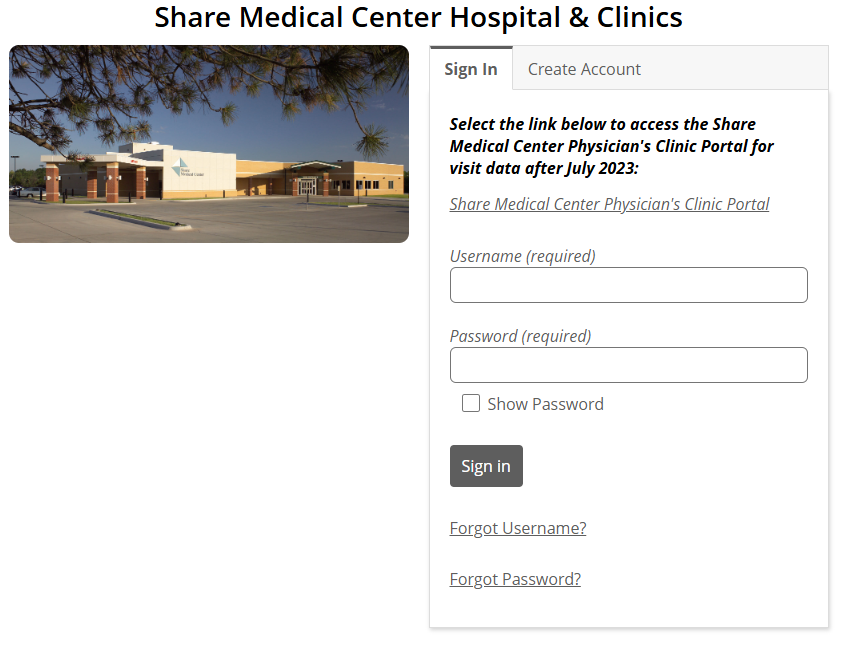
When using this option, make sure to select Sign in when the page loads after clicking the link in the email. This will allow you to set up your username and password.
Option 2: Create an Account Online
You can also select "Create Account" on the Patient Portal login page and follow the prompts to register.
Need Help?
If you're experiencing difficulties signing up or accessing your account, please contact our local, Alva based IT support team at healthportal@smcok.com for assistance.
We are happy to help you get connected and make the most of your online healthcare resources.